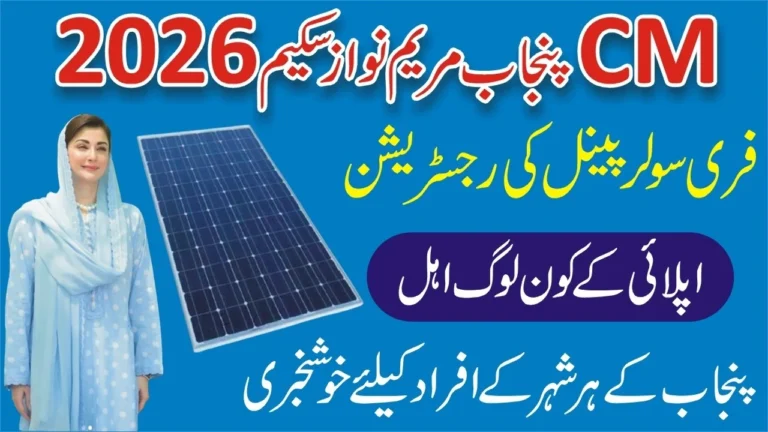
The CM Punjab Free Solar Panel Scheme 2026, formally known as the Roshan Gharana Program, is a provincial initiative launched under the leadership of Chief Minister Maryam Nawaz Sharif. According to official government announcements, the program aims to distribute up to 100,000 standalone solar systems free of cost to low-income and low-consumption households across Punjab.
The scheme is a direct policy response to two compounding pressures on ordinary families: persistently rising electricity tariffs and ongoing load-shedding. how to verify your tracking ID For Solar Panel Scheme, Rather than offering a temporary subsidy, the program provides a permanent infrastructure solution — solar panels, inverters, and in some packages, battery backup — installed at no charge to the homeowner.
The official portal for the scheme is cmsolarscheme.punjab.gov.pk, developed and maintained with the support of the Punjab Information Technology Board (PITB). A secondary Agriculture Department component — the Chief Minister Solarization Program for tube wells — is listed under agripunjab.gov.pk/solarization, targeting the farming community separately.
The scheme distributes solar systems according to a household’s monthly electricity consumption:
- Households consuming 0–100 units per month are eligible to receive a 550-watt solar system
- Households consuming 101–200 units per month are eligible to receive a 1,100-watt (1.1 kW) solar system
Both categories receive the system at zero cost, with installation handled by government-certified contractors.
Eligibility Criteria
The Punjab government has established specific conditions for this scheme. According to official announcements, applicants must meet all of the following requirements:
Who Can Apply
- Must be a permanent resident of Punjab with a valid CNIC
- Must be a registered domestic electricity consumer with a recognised distribution company (DISCO) such as LESCO, MEPCO, FESCO, GEPCO, IESCO, or similar
- Monthly electricity consumption must fall between 0 and 200 units, based on billing records
- The applicant must be the registered account holder of the electricity connection
Who Is Automatically Disqualified
According to official scheme conditions, how to verify your tracking ID For Solar Panel Scheme applicants will not be considered if they:
- Have been found involved in electricity theft
- Have a defective or tampered meter
- Operate multiple electricity meters at a single residence
- Have recorded more than three late payments in the preceding 12 months
- Are commercial consumers or have a non-domestic electricity connection category
Eligibility is cross-verified automatically through the National Database and Registration Authority (NADRA) and the relevant distribution company’s billing records at the time of application.
Required Documents
Before beginning your application, gather the following documents. Ensure all scanned or photographed copies are clear and legible — blurry images are a common cause of processing delays.
- Original CNIC (front and back) — 13-digit number, without dashes
- Most recent electricity bill — must show your 14-digit reference number, consumer ID, and monthly consumption
- Proof of property ownership or tenancy — ownership documents or a formal tenancy agreement
- Active mobile phone number registered in Pakistan — required for OTP verification and official notifications
Step-by-Step: How to Apply Online
The registration process is fully digital and can be completed in approximately 10–15 minutes if all documents are at hand.
Step 1: Access the Official Portal
Open a browser and navigate to cmsolarscheme.punjab.gov.pk. Before entering any personal information, confirm that the URL begins with https:// and ends with punjab.gov.pk. Fraudulent mirror sites have been reported; always verify the domain carefully.
Step 2: Create an Account
Click on the Register or Sign Up option. Enter your full name, 13-digit CNIC number, and an active Pakistani mobile number. Create a secure password for your account.
Step 3: Verify Your Mobile Number
The portal will send a one-time password (OTP) to your registered mobile number via SMS. Enter this OTP when prompted. This step confirms that the mobile number you provided is active and accessible to you.
Step 4: Enter Your Electricity Details
Once logged in, enter your 14-digit electricity bill reference number and select your distribution company (e.g., LESCO for Lahore, MEPCO for Multan/Bahawalpur, FESCO for Faisalabad). The portal automatically retrieves your consumption data from the respective DISCO. Ensure the reference number is copied exactly from your most recent paid bill — a single transposed digit will result in a failed verification.
Step 5: Upload Supporting Documents
Scan or photograph your CNIC and recent electricity bill. Upload these files through the document upload section. Ensure the images are well-lit and all text is readable.
Step 6: Review and Submit
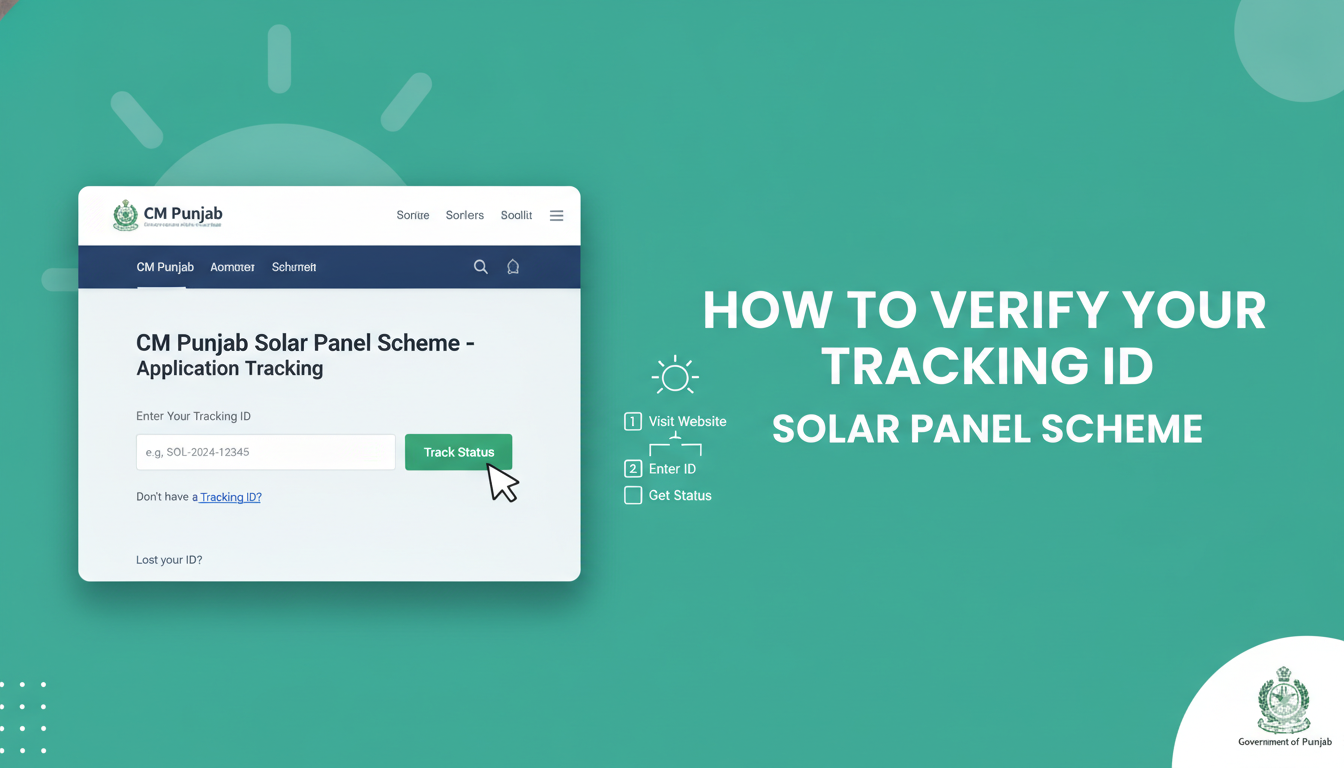
Before clicking Submit, review every field — particularly your CNIC number and reference number. Once submitted, the system will generate a tracking ID (also referred to as an application reference number) and display it on the confirmation screen. Take a screenshot or write this number down immediately. You may also receive it via SMS on your registered mobile number.
Alternative: SMS Registration
For applicants without reliable internet access, registration is also available via SMS. According to official instructions, send a message in the following format to 8800:
[14-digit Reference Number] [space] [13-digit CNIC Number]
You will receive a confirmation SMS containing your application tracking reference. This SMS service is free of charge from all Pakistani mobile networks.
How to Verify Your Tracking ID and Check Application Status
This is the step most applicants overlook or struggle with after submitting.
Method 1: Online Portal Status Check
- Visit cmsolarscheme.punjab.gov.pk
- Log in with your CNIC and the password you created at registration
- Navigate to the Application Status or Track My Application section
- Alternatively, enter your 13-digit CNIC (without dashes) and your electricity bill reference number in the designated fields
- Click Check Status
Your application will display one of the following status labels:
- Pending — Your application has been received and is in the queue for review
- Under Verification — Government officials are cross-checking your documents and eligibility
- Selected — You have been chosen through the balloting process and will be contacted for installation scheduling
- Not Selected — You were not selected in this particular phase; future phases may offer another opportunity
- Rejected — Your application was disqualified; the reason is usually indicated on the portal
Method 2: SMS Status Check
If you registered via SMS or prefer not to use the portal, send your CNIC number to 8800 from your registered mobile number. You should receive an automated SMS reply indicating your current application status.
Method 3: Official SMS Notifications
Successful applicants receive an official SMS from the government’s designated verified sender ID. Be cautious: the government will not contact you through personal mobile numbers asking for payment or additional registration fees. Any such message should be treated as fraudulent.
What Happens After Selection
Once a household is marked Selected, the process moves through the following stages, according to official announcements:
- Physical Verification — A government verification team visits the selected address to assess roof space, structural suitability, and document authenticity
- Vendor Assignment — A certified vendor is assigned to the household’s district for installation
- Installation — The solar system (panels, inverter, and where applicable, battery) is installed at no cost to the applicant
- User Briefing — A basic operational guide or training is provided so the household understands how to use the system
The verification and installation timeline varies by district and phase, but the portal will reflect updated status at each stage.
Common Mistakes to Avoid
A significant number of applications face delays or outright rejection due to avoidable errors. Based on reported patterns from the scheme’s first phase:
- Incorrect reference number: The electricity bill reference number must be 14 digits and entered exactly as printed on the bill. It is not the same as the consumer ID or meter number.
- CNIC mismatch: The CNIC submitted must match the name on the electricity connection. Applications where the connection is registered in a landlord’s name but submitted under a tenant’s CNIC are frequently rejected.
- Uploading unreadable documents: Dark, blurry, or partially cropped scans slow down processing. Use natural light and ensure all four corners of the document are visible.
- Using unofficial portals: Several third-party websites mimic the scheme portal. Only cmsolarscheme.punjab.gov.pk is the official platform.
- Paying for registration: The entire application and installation process is free. No government representative will ask you for money at any stage. Reports of such requests should be treated as fraud.
- Ignoring the OTP step: Skipping or entering the wrong OTP prevents account creation. If the OTP expires, request a new one rather than attempting to guess.
Frequently Asked Questions
Final Note
The CM Punjab Free Solar Panel Scheme 2026 is a meaningful step toward household energy relief, but its benefits are only accessible to those who apply correctly and track their status through legitimate channels. The entire process — from registration to installation — is free of charge. No government official, vendor, or representative is authorised to collect any fee at any stage.
For the most current information on application windows, balloting results, and installation timelines, always consult the official government portal at cmsolarscheme.punjab.gov.pk directly.