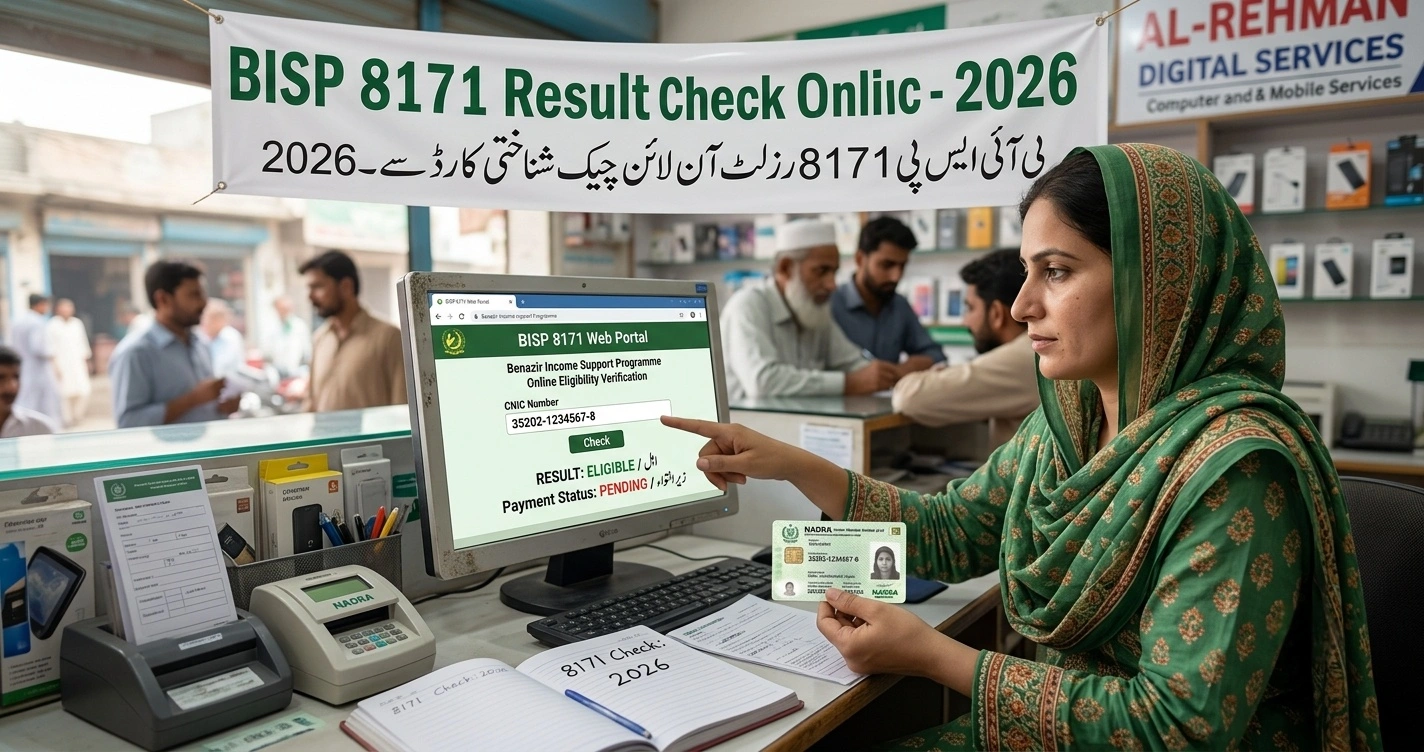
Typing a CNIC number into a box and getting back three words — Eligible, Not Eligible, or Under Verification — sounds simple until that result doesn’t match what someone expected. A family that completed its NSER survey months ago sees “Not Registered.” Another sees “Eligible” but no payment ever lands. The BISP 8171 Result Check Online By CNIC 2026system is accurate, but reading it correctly requires knowing what’s actually happening behind that one-line message.
This guide breaks down every possible result, what triggers each one, and exactly what to do next — whether you’re checking for the first time or trying to figure out why your status hasn’t moved in weeks.
Quick Reference Box
| Detail | Information |
|---|---|
| Check Method 1 | Web portal — 8171.bisp.gov.pk |
| Check Method 2 | SMS — send CNIC to 8171 |
| Check Method 3 | In-person — nearest BISP Tehsil Office |
| CNIC Format Required | 13 digits, no dashes or spaces |
| Possible Results | Eligible / Not Eligible / Under Verification / Not Registered |
| Current Quarterly Payment | Rs. 14,500 (Benazir Kafalat) |
| SMS Response Time | Typically 2–5 minutes |
| Result Refresh Frequency | Updated as NADRA cross-verification completes |
Background: Why CNIC-Based Result Checking Replaced the Old System
For years, finding out whether a household qualified for BISP support meant a physical trip to a Tehsil office, a wait in line, and a verbal answer from a staff member — a process that consumed entire days for women traveling from rural areas. The 8171 portal and SMS shortcode were built specifically to eliminate that bottleneck by linking beneficiary records directly to NADRA’s CNIC database and the National Socio-Economic Registry (NSER).
The logic is straightforward: every CNIC is a unique key into a household’s PMT-scored survey record. Typing it into the portal or texting it to 8171 doesn’t just check a name on a list — it pulls a live record that reflects the household’s current standing in the NSER, including whether that record has been confirmed against NADRA’s civil registry yet.
This matters more in BISP 8171 Result Check Online By CNIC 2026, than in previous years because BISP has been running active re-verification drives alongside new registrations, meaning a result that showed “Eligible” a year ago can shift to “Under Verification” simply because the system is re-checking older records against updated NADRA data. Pakistan’s wider economic pressure — inflation eating into food and utility budgets for low-income households — has also pushed beneficiary volume higher, with close to nine million families now active in the system and quarterly payments rising from Rs. 13,500 to Rs. 14,500 to offset rising costs.
Core Mechanics: What Each Result Actually Means
The 8171 system doesn’t generate a vague “approved” or “denied.” It returns one of several specific statuses, each tied to a distinct stage in the verification pipeline.
Decoding the Four Main Results
| Result Shown | What It Means | Required Action |
|---|---|---|
| Eligible | PMT score is at or below the cutoff (32, or 37 for disability cases) and NADRA verification is complete | Visit a payment point with original CNIC to collect Rs. 14,500 |
| Not Eligible | PMT score exceeds the cutoff based on current survey data | Request a re-survey if circumstances have genuinely changed |
| Under Verification | Record exists but NADRA cross-check or biometric confirmation hasn’t finished processing | Wait; avoid repeated unnecessary office visits |
| Not Registered | No NSER record is linked to that CNIC at all | Visit a Tehsil Office to begin the Dynamic Survey from scratch |
Why the CNIC Itself Can Cause a False Result
A surprising number of “errors” aren’t eligibility problems at all — they’re data-entry or document problems:
- Expired CNIC. If your CNIC has lapsed, the system may fail to match records even if your NSER entry is current. Renewal at NADRA is required before the result will display correctly.
- Mismatched details. A name spelling difference between your NADRA record and your NSER survey entry can cause a “no record found” response.
- Wrong digit count. The CNIC must be entered as exactly 13 digits with zero dashes; nine-digit or hyphenated entries return an error rather than a real result.
- Recently issued CNIC. A newly issued or modified CNIC can take time to sync fully across NADRA’s verification layer feeding the 8171 system.
What Determines the PMT Score Behind the Result
The result you see is the visible output of a much deeper calculation. The Proxy Means Test scores a household from 0 to 100 using:
- Housing structure and ownership status
- Asset holdings (vehicles, livestock, land)
- Number of dependents versus working adults
- Utility connections (electricity, gas)
- Education level within the household
Disability cases are scored against a relaxed cutoff of 37 rather than the standard 32, which is why two households with seemingly similar poverty levels can receive different results.
The Hidden Second Gate: Why “Eligible” Doesn’t Always Mean Cash in Hand
A result of “Eligible” confirms two things — your PMT score qualifies, and NADRA has matched your identity. It does not confirm that withdrawal will go smoothly, because a separate biometric check still has to pass at the actual payment point, and this is where a meaningful share of eligible households still walk away empty-handed.
Common Reasons the Fingerprint Scan Fails
- Worn or faded prints — common among elderly women and anyone doing years of manual agricultural or domestic labor
- Dry, oily, or dirt-covered skin at the moment of scanning, which prevents an accurate read even on valid fingerprints
- An outdated NADRA biometric template that no longer matches a fingerprint pattern that has genuinely changed over time
- A CNIC record never refreshed through a recent NSER survey, which increases mismatch risk during cross-verification
What to Do If Verification Fails Repeatedly
A single failed scan isn’t the end of the road — retailers and BISP camps typically allow a retry on a second device, since scanner quality varies by location. If it keeps failing, two official routes exist:
- NON-BVS (Non-Biometric Verification System) — a manual identity check available at Tehsil Offices for beneficiaries whose prints genuinely can’t be read no matter how many attempts are made
- Family Nominee Authorization — a household member can be approved, after a manual interview and CNIC check at the Tehsil Office, to collect payment using their own biometrics instead; approval generally takes 7–10 days
A genuine NADRA biometric update usually syncs back into the BISP system within 3 to 7 working days. None of this carries a government fee — anyone demanding payment to “clear” a fingerprint issue should be reported to the BISP helpline at 0800-26477.
Step-by-Step: How to Check and Interpret Your Result
Step 1: Prepare Your CNIC Correctly
Locate your CNIC card and write down all 13 digits exactly as printed, removing every dash. Double-check each digit — a single wrong number returns a completely unrelated or blank result.
Step 2: Choose Your Checking Method
Option A — Web Portal
- Go to 8171.bisp.gov.pk
- Enter your 13-digit CNIC in the input field
- Complete the captcha exactly as shown
- Click “Check Status” and read the result on screen
Option B — SMS (no internet required)
- Open your phone’s messaging app
- Type your CNIC number with no spaces or dashes
- Send it to 8171 — this works on Jazz, Telenor, Ufone, Zong, and Warid
- Wait 2–5 minutes for an automated reply confirming your status
Option C — In-Person Confirmation If both digital methods return unclear or conflicting results, visit your nearest Tehsil Office with your original CNIC for a manual record check. Some districts also run live E-Kacheri sessions, where verification disputes get resolved on the spot without joining a physical queue.
Step 3: Match Your Result to the Correct Next Action
- Result says Eligible → Visit an HBL Konnect point, Bank Alfalah agent, BISP camp, or designated ATM with your original CNIC for biometric confirmation and payment release
- Result says Not Eligible → Confirm whether your household situation has changed since your last survey before requesting a re-survey
- Result says Under Verification → Recheck after one to two weeks rather than visiting an office immediately
- Result says Not Registered → Begin the NSER Dynamic Survey process at your nearest Tehsil Office
Step 4: Recheck Before Traveling to Collect Payment
Payments are frequently released in batches by region rather than all at once. Rechecking your result the morning of a planned visit avoids a wasted trip if your batch hasn’t been released yet.
Step 5: Save Your Confirmation Message
Keep the SMS reply or a screenshot of the portal result. Payment center staff occasionally ask beneficiaries to show recent confirmation alongside their CNIC during biometric verification.
Benefits, Challenges, and Practical Solutions
What Improved With Digital Result Checking
- Eliminates travel for a simple status check, especially valuable for women in households where mobility outside the home carries social or logistical friction
- Reduces dependence on local agents, who previously charged informal fees to “find out” a family’s status
- Gives an instant, specific answer rather than a vague verbal response from office staff
- Works without internet through the SMS channel, extending access to areas with poor connectivity
Where Beneficiaries Still Get Stuck
- “Under Verification” can last weeks with no visible timeline, leaving families uncertain about whether to expect payment this cycle at all.
- Portal slowdowns during peak hours — particularly right after a new payment cycle announcement — can produce timeouts that look like errors but are simply traffic congestion.
- Fraudulent WhatsApp and SMS messages mimicking the official 8171 reply have circulated, asking recipients to click links or share OTPs to “confirm” eligibility.
- Unofficial “checker” apps and copycat websites rank high in search results and visually mimic the real portal, sometimes asking for unnecessary personal details — the only results that count come from 8171.bisp.gov.pk or the SMS shortcode itself.
Fixes That Actually Work
- Check the portal during early morning or late evening hours to avoid peak-time slowdowns.
- Never act on a result-confirmation message that arrives via WhatsApp — the official channel is exclusively SMS to/from the 8171 shortcode or the bisp.gov.pk domain.
- Bookmark 8171.bisp.gov.pk directly instead of searching “8171 checker” each time, since search results often surface unofficial lookalike tools ahead of the real portal.
- If “Under Verification” persists past three to four weeks, a Tehsil Office visit is justified to confirm biometric data was actually submitted correctly the first time.
Future Outlook: Where Result Checking Is Headed
Expect the result-check system to move toward more granular detail rather than a single status word — early signs already point to results displaying the exact PMT score, payment due date, and batch number rather than just an eligibility flag. Continued NADRA integration should shrink “Under Verification” windows as biometric and civil-registry cross-checks become faster. With BISP’s budget allocation up sharply and active re-verification drives ongoing through 2026, the volume of CNIC checks will keep climbing, pushing further investment in server capacity to handle peak-hour traffic without the slowdowns beneficiaries currently report.
Final Word
A three-word result hides a fairly sophisticated verification chain running underneath it — NADRA matching, PMT scoring, biometric confirmation, and batch-based payment release. Knowing what “Under Verification” really signals, why a CNIC mismatch produces a blank result, and which channel to trust over fraudulent lookalikes turns a confusing one-line message into a clear next step. For millions of households checking their CNIC against the 8171 system every quarter, that clarity is what actually gets the Rs. 14,500 payment into their hands without a wasted trip or a missed cycle.


One Comment